By the end of this section, Okou will have done one real piece of your work — and you'll know how to hand it the next one. Five minutes, no credit card.
Create your account
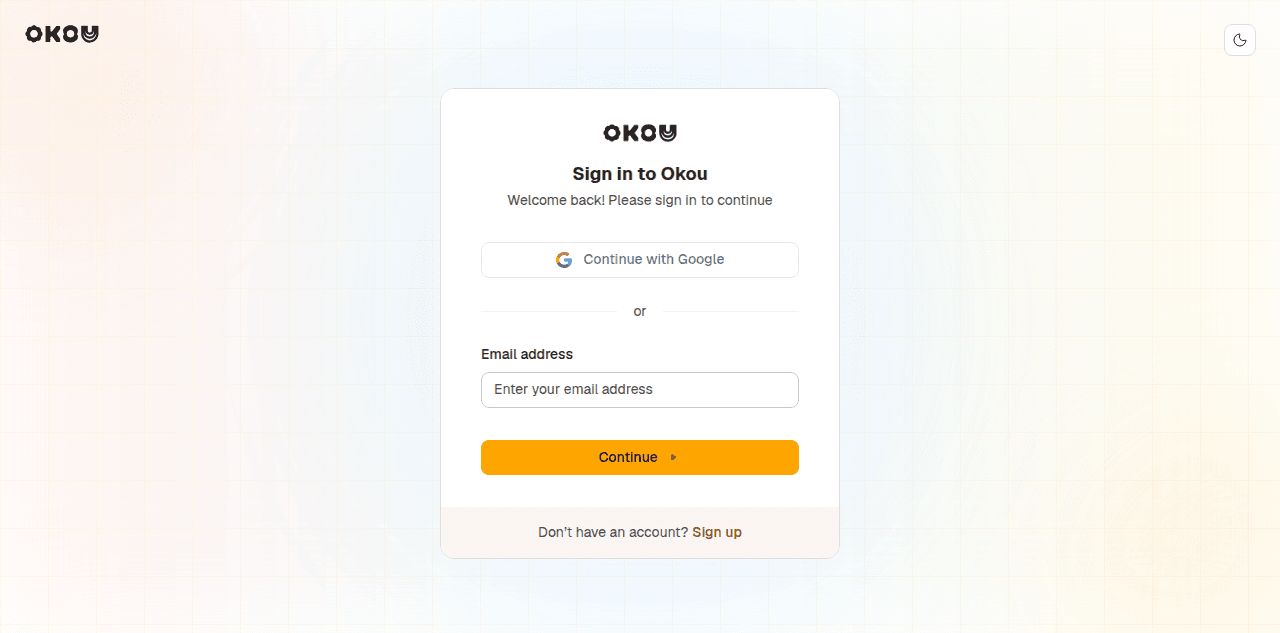
Open app.okou.ai/sign-up and sign up with your work email. Every new workspace starts on the Free plan with 3,000 starter credits valid for 30 days — enough to connect your tools, build an agent, and watch a few runs end to end. The workspace stays on Free after those credits expire; it is not automatically upgraded or charged. See Credits & billing for what each plan includes.
If you're joining an existing workspace, your admin has already invited you. Sign in with the same email and the workspace appears in the switcher in the top-left.
Now pick your path
What you should do next depends entirely on what you're bringing with you. The two routes below cover the same product, but they start at opposite ends of it — take the one that sounds like you.
| This sounds like you | Start here |
|---|---|
| You've used a chatbot in a browser tab. None of your tools are wired to anything, and you've never given an AI access to a real account. | For new users — start from a single prompt and build up, in six steps, to a teammate that runs on its own. |
| You already live in Claude Code or Codex. You have skills, you have prompts, and you have opinions about agents. | For Claude Code and Codex users — point Okou at the subscription you already pay for, bring your procedures across, and skip the parts you already know. |
Not sure? Take the new-user path. It's six short steps, and steps 3 to 6 are the same work either way.
What both paths are building toward
However you get there, a working Okou setup has the same four parts. It helps to know the vocabulary before you start:
| Part | What it is |
|---|---|
| Agent | A persistent identity with its own instruction, tone, and access. The thing that does the work. |
| Connector | An authorized link to a real service — Slack, Gmail, GitHub, Notion. The credential is held on the platform and never handed to the model. |
| Workflow | A named, reusable procedure saved onto an agent, so the second person who needs it doesn't rewrite the prompt. |
| Automation | A trigger attached to a workflow — a schedule, an incoming email, a merged pull request, a webhook. This is what turns a procedure into a teammate. |
You don't have to set all four up today. Most people get value from the first prompt, and add the rest as the work demands it.
Where to go next
- For new users — the six-step path from first prompt to shared, scheduled workflow.
- For Claude Code and Codex users — your own model subscription, and porting skills to workflows.
- What is Okou? — the product in one page, if you'd rather read before you click.

